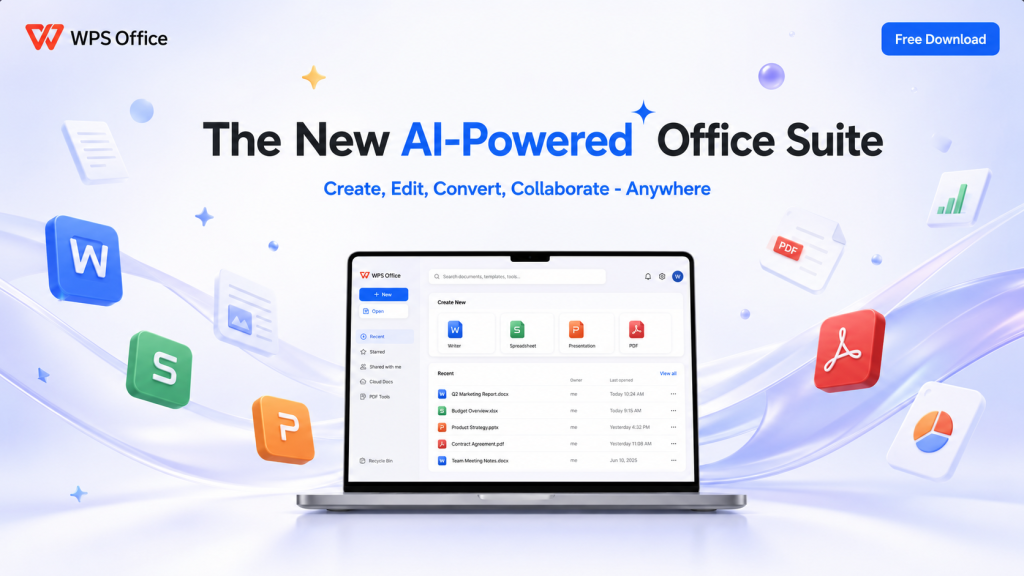
For students, educators and organisations, office software must do more than create documents. It should support work across devices, handle familiar file formats and bring essential tools together without creating unnecessary complexity. WPS Office positions itself as a practical alternative to Microsoft Office by combining productivity, compatibility, mobility and AI in one platform.
WPS Office at a Glance
| 600M+ | 220+ | 64 | 1988 |
| Monthly active users | Countries and regions | Languages supported | Year founded |
One Platform for Everyday Productivity
The World Economic Forum found that only 14.1% of employed Southeast Asian youth surveyed had learned their most important skills through formal on-the-job training, highlighting the need for accessible tools that support independent learning and workplace readiness.
WPS help bridge this gap through comprehensive tools by bringing Writer, Spreadsheet, Presentation, PDF and AI tools into one platform. Users can create documents, analyse data, build presentations and manage PDFs without switching between separate applications, while AI features for writing, translation, summarisation and slide creation help students spend less time on routine tasks and more time developing practical, analytical and creative skills.
Compatibility Remains the Deciding Factor
The biggest concern when considering a Microsoft Office alternative is usually compatibility. Files need to move between classmates, lecturers, colleagues and partner organisations without disrupting the workflow.
WPS is designed for compatibility with Microsoft Office formats, supporting straightforward file sharing between students and educators. This makes it possible for individuals or institutions to consider an alternative productivity platform without requiring everyone in their network to change software at the same time.
Built for Work Across Devices
WPS works across smartphones, tablets and PCs. This matters in Southeast Asia, where students often need to study, edit and collaborate while moving between devices. A mobile-first approach gives users greater flexibility to continue working beyond a desktop environment.
Affordability is another part of the proposition. WPS describes its platform as a budget-friendly alternative to expensive legacy software licences, with the goal of making enterprise-grade productivity tools more accessible to students and institutions.
Scale and Relevance in Southeast Asia
The opportunity extends beyond office software. Through educational resources, workshops, AI learning tools, and student programs, WPS is supporting digital skills and career readiness. RPA helps connect WPS with educational institutions across Southeast Asia, exploring partnerships that align its resources with local learning needs and institutional priorities.
RPA’s work on the WPS project highlights an important insight: the success of an alternative office suite depends on understanding local user behaviour, device usage, affordability, and learning priorities. In Southeast Asia, those factors provide a useful framework for understanding where WPS may offer practical value alongside established office software.
Discover how RPA helps organisations uncover opportunities and build strategic partnerships across Southeast Asia and beyond.